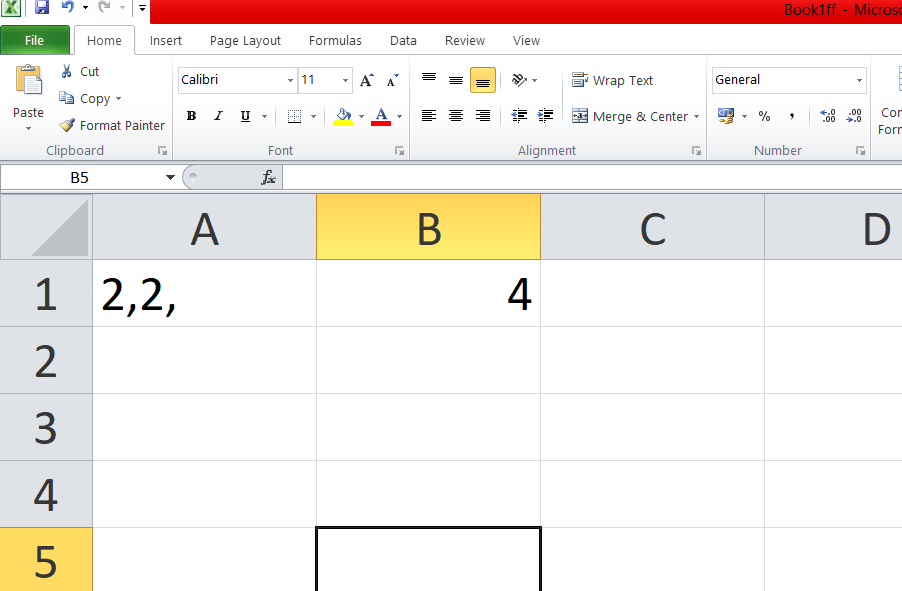
If you have multiple numbers in a single cell and need to add them—or perform a calculation—you can use this VBA code. Simply copy and paste the code into a module within your Excel sheet, then use the formula =SumComma(A1) and press Enter to get the result.
Function SumComma(rng As Range) As Double
    Dim vals() As String
    Dim i As Integer
    Dim total As Double


    vals = Split(rng.Value, ",")


    For i = LBound(vals) To UBound(vals)
        If IsNumeric(Trim(vals(i))) Then
            total = total + CDbl(Trim(vals(i)))
        End If
    Next i

    SumComma = total
End Function